ShopDreamUp AI ArtDreamUp
Deviation Actions


HG Designs Subscriber Area
Lots of high resolution goodies for graphic design including textures, photoshop brushes, seamless patterns and more.
$8/month


Suggested Deviants


Suggested Collections


You Might Like…


Description
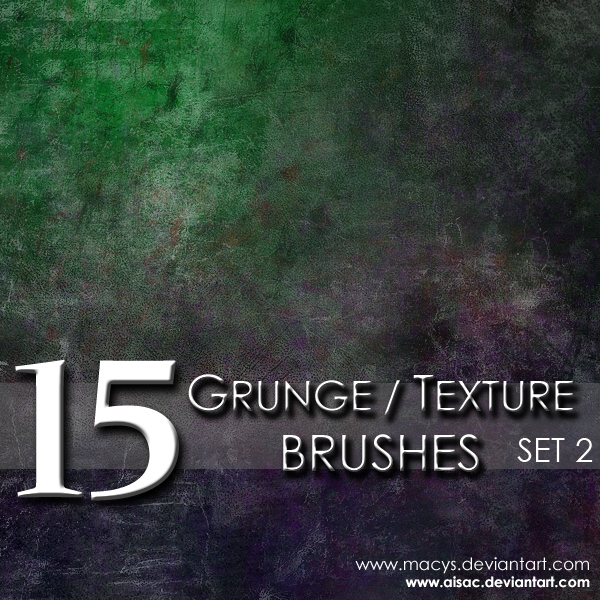
Photoshop Brushes by Macy Saefong

Download to use brushes
The same rules apply for Photoshop brush usages as with stock usages.
The rules are located in the Journal: [link]
Favs/Comments Appreciated
**Compatible with Adobe Photoshop 7.0 and above**
See also Set 1. Compatible with CS3 only: [link]
-----
To use brushes, download and save into computer, in whichever location you choose. Afterward, open the brushes by opening up Photoshop. Click the brush icon in the toolbar or press 'b' for the brush shortcut. Navigate up toward the brush selection menu and click on the circled arrow at the side to open a drop down menu. Select the 'Load Brushes' option and a dialog box will appear and you will be able to locate your brush and open it. The brushes you just opened should appear at the end of your previous brush set.
Download to use brushes
The same rules apply for Photoshop brush usages as with stock usages.
The rules are located in the Journal: [link]
Favs/Comments Appreciated
**Compatible with Adobe Photoshop 7.0 and above**
See also Set 1. Compatible with CS3 only: [link]
-----
To use brushes, download and save into computer, in whichever location you choose. Afterward, open the brushes by opening up Photoshop. Click the brush icon in the toolbar or press 'b' for the brush shortcut. Navigate up toward the brush selection menu and click on the circled arrow at the side to open a drop down menu. Select the 'Load Brushes' option and a dialog box will appear and you will be able to locate your brush and open it. The brushes you just opened should appear at the end of your previous brush set.
© 2008 - 2024 AiSac
Comments31
Join the community to add your comment. Already a deviant? Log In

Thanks for brushes!